One-click convert
Drop in an audio file and LyricMagic transcribes the lyrics, times each line, and builds your lyric video in one step.
 Home
Home
Turn any song into a lyrics video for YouTube. Drop in an audio file, LyricMagic transcribes the lyrics with AI, times each line to the music, and exports a lyric video with your choice of fonts, colors, and background.
Windows and Intel Mac versions are coming soon.
Drop in an audio file: MP3, AAC, or other common formats. No music video needed.
LyricMagic processes the audio with AI vocal separation and Whisper transcription to capture lyrics with precise timing.
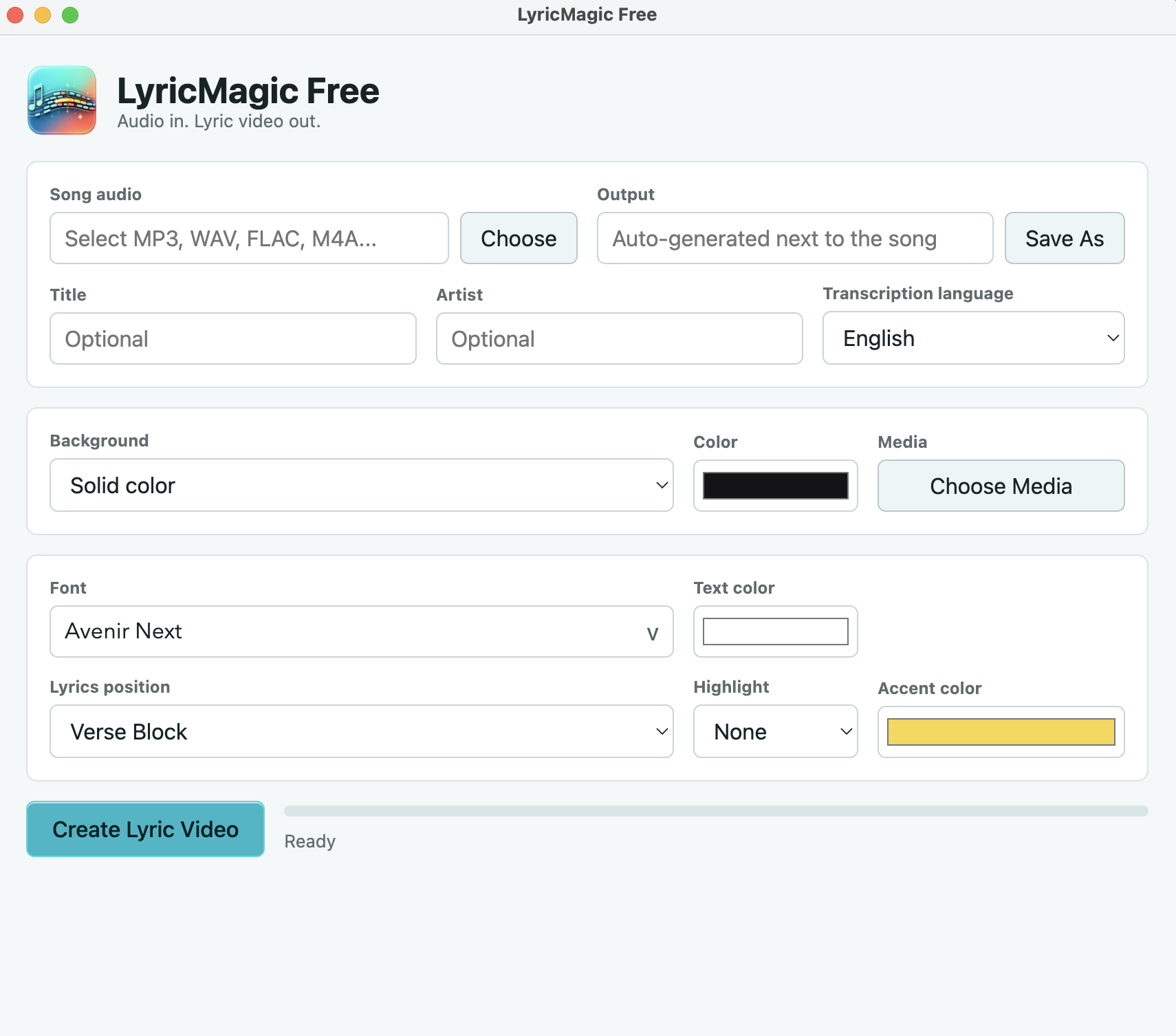
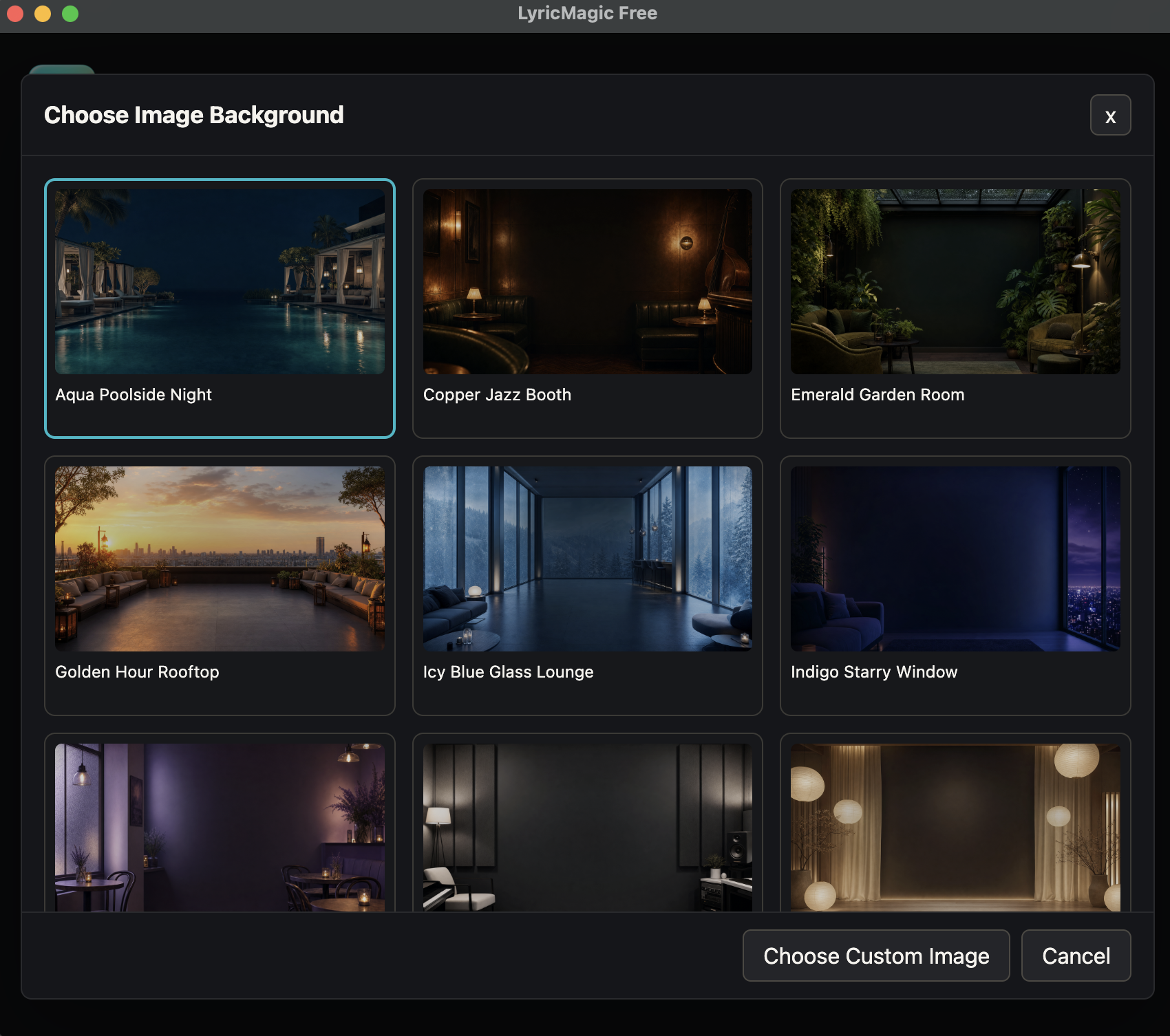
Customize fonts, colors, and background, then export a lyric video ready to upload to YouTube or share anywhere.
Drop in an audio file and LyricMagic transcribes the lyrics, times each line, and builds your lyric video in one step.
Lyrics are transcribed and synced to the original audio automatically, with each line appearing at the right moment.
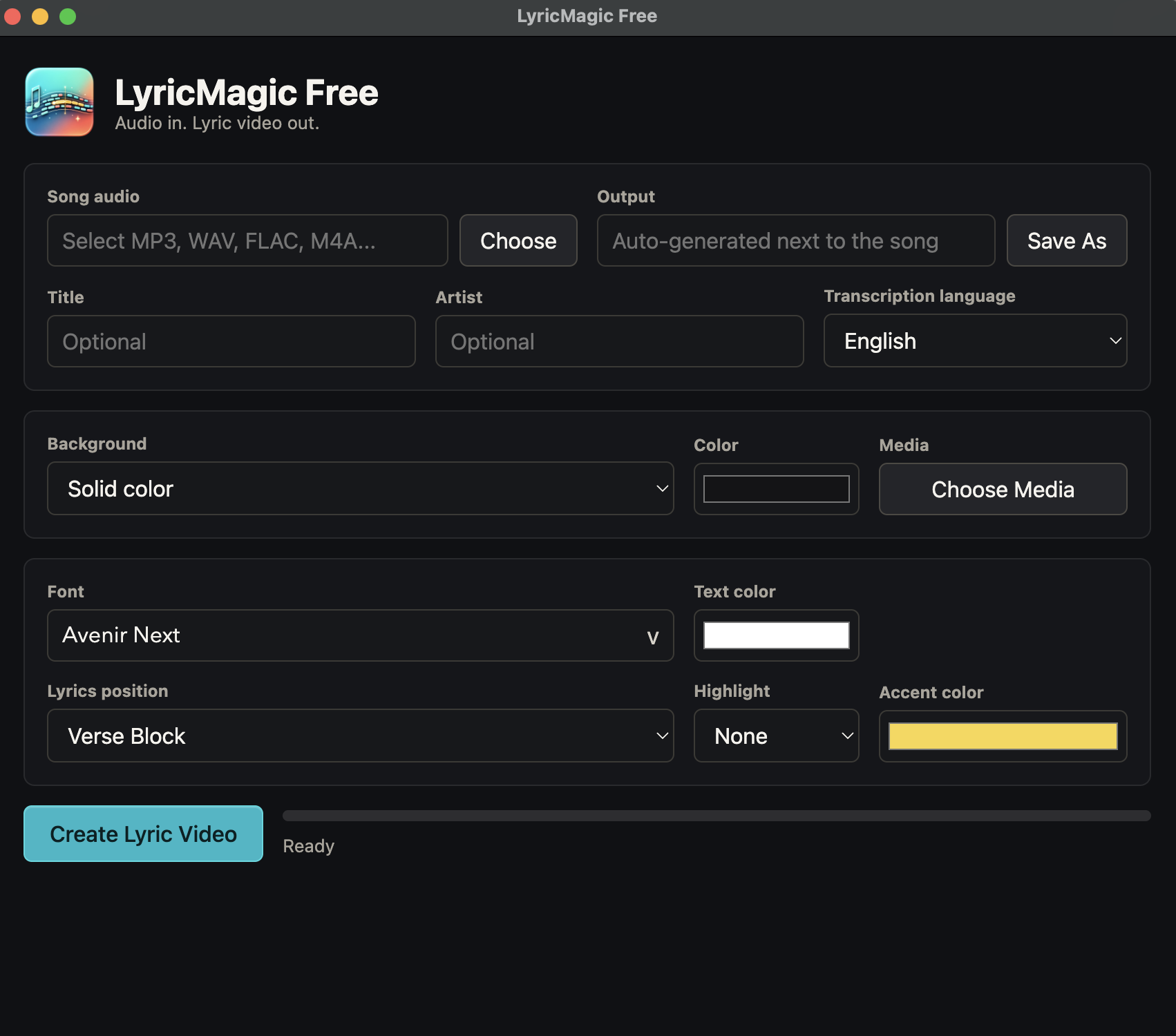
Choose fonts, text colors, and backgrounds to match your style before you export.
Export an MP4 lyric video with timed on-screen lyrics, ready to upload to YouTube or share anywhere.
All processing runs locally on your Mac. No internet, no cloud, and your files never leave your machine.
Optimized for M1 and newer Macs. AI models are bundled in the app; no external dependencies.
See what is new in LyricMagic Free. Download past builds from each version when available.
Added a Fast mode vs Accurate mode option for lyrics transcription and improved gneeral UI.
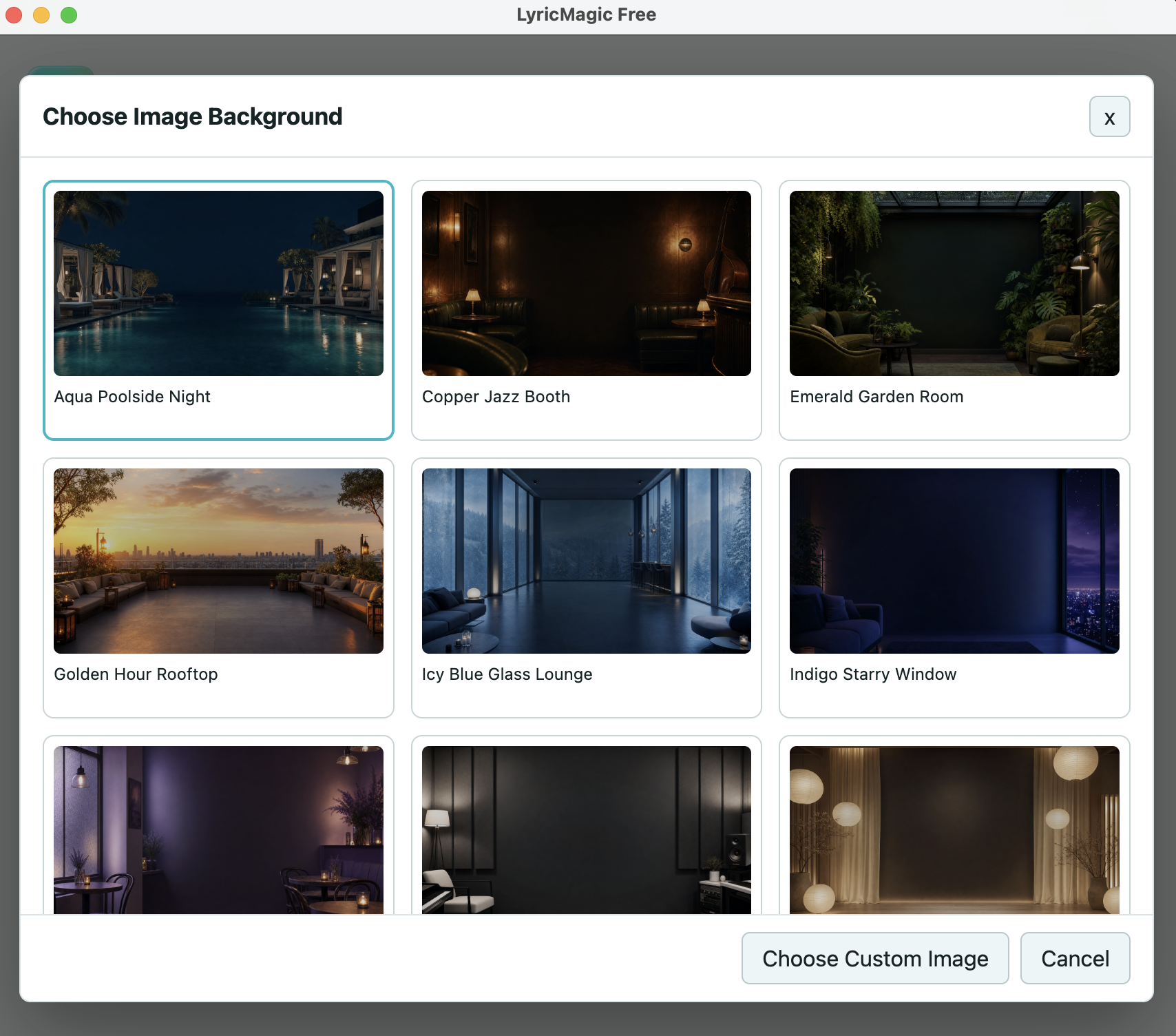
Added a content pack of background images to choose from.
Fixes issues with loading dynamic libraries that caused the app to crash when creating a video on some Macs without the library files..
First release of LyricMagic Free.
Download LyricMagic Free and create your first lyrics video in minutes.
Download LyricMagic Free