Create Karaoke Videos
the Easy Way
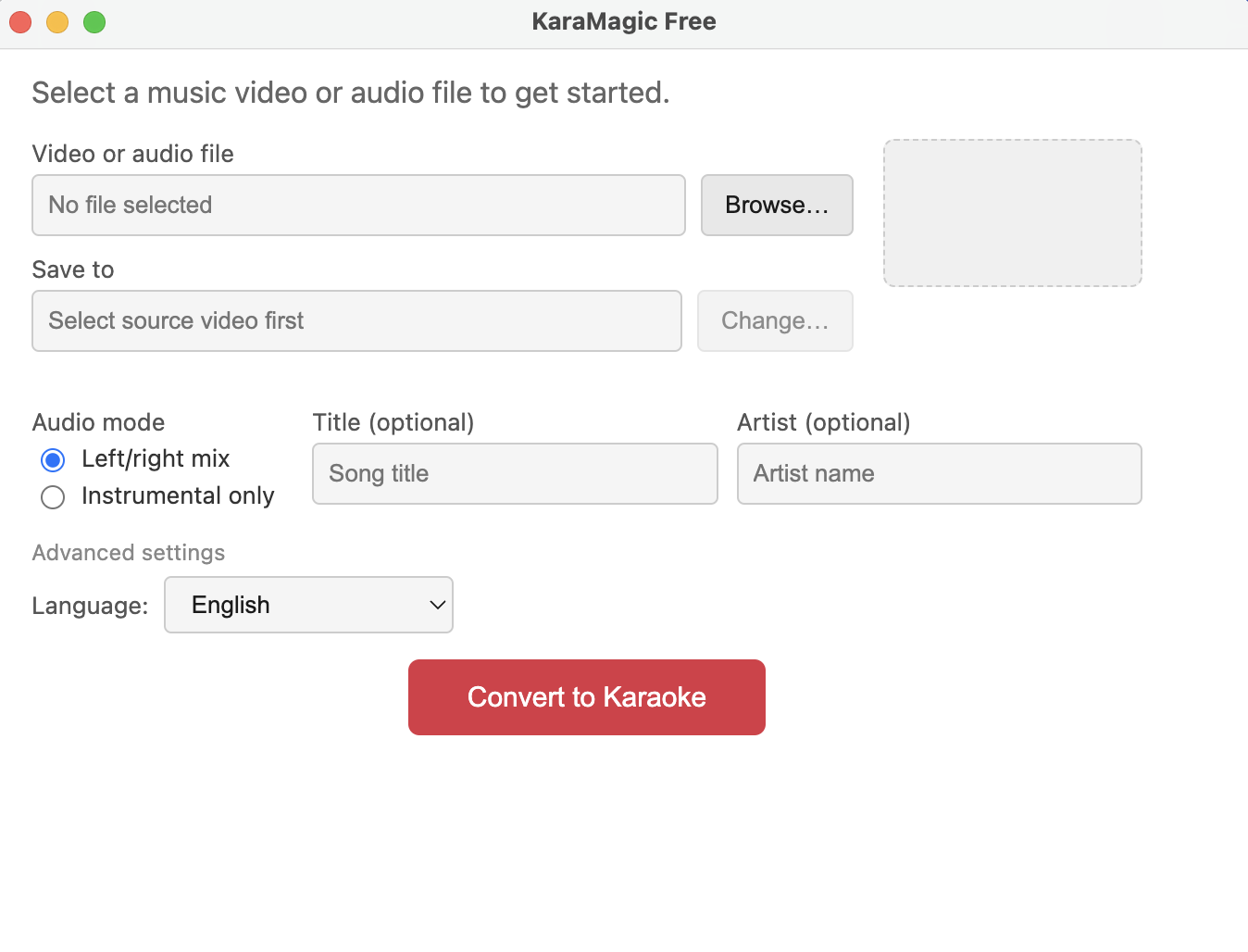
Drop in a music video. KaraMagic turns it into karaoke: Converting the audio, transcribing lyrics, and adding them to your video with perfect timing.
How It Works
Add your video or audio
Choose a music video file, like an official MV or concert video. Or just an audio file (e.g. mp3).
Convert & transcribe
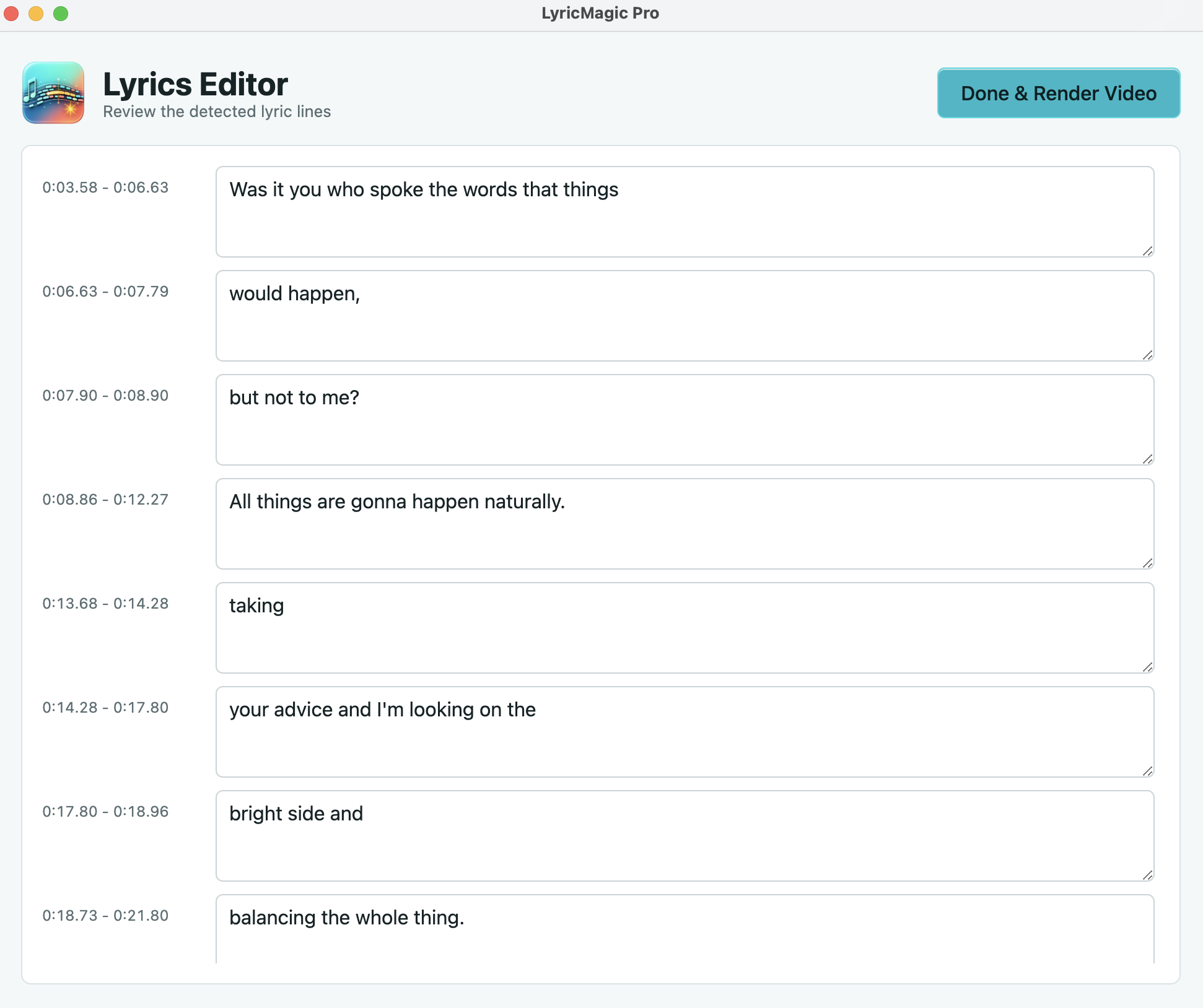
KaraMagic converts the vocal track into a karaoke-style backing track and transcribes the lyrics with AI.
Export karaoke
Lyrics are burned into the video with precise timing. Export and sing along!
Get KaraMagic Free
KaraMagic Free 1.2.0
Download for Mac (Apple Silicon)FAQ
- How does KaraMagic work?
- KaraMagic uses AI to separate vocals from the instrumental track in your music video, turning it into a karaoke-style backing track. It then transcribes the lyrics and syncs them to the audio so they appear on-screen at the right moment.
- What kind of video can I use?
- Use any music video where the lyrics are not already shown on screen: official music videos, concert videos, or even just clips. The cleaner the audio, the better the result.
- Can I just use an audio file?
- Yes! KaraMagic can also process just an audio file (e.g. mp3). Just drop it in and it will create a lyrics-only karaoke video.
- Why is the app so large (~1 GB)?
- The app includes the AI models needed to convert music and transcribe lyrics—everything runs locally on your Mac. No cloud processing or subscriptions required.
- What Macs are supported?
- KaraMagic Free runs on Macs with Apple Silicon (M1 or newer). Intel Macs are not supported at this time.
Release Notes
See what is new in KaraMagic Free.
-
Version 1.2
Added support for taking an audio-only file as input and creating a lyrics-only karaoke video.
-
Version 1.1
Fixed a critical issue on Apple Silicon Macs where systems without ffmpeg installed could crash. KaraMagic Free now has no external requirements.
-
Version 1.0
First release of KaraMagic Free.